Mission Control Rename
Stop guessing which desktop is which. Give every Mission Control space a real name and read your whole Mac workspace at a glance.
Download 1.2.4macOS 14+ · Free to try · Apple-notarized · No account
Screenshots
Features
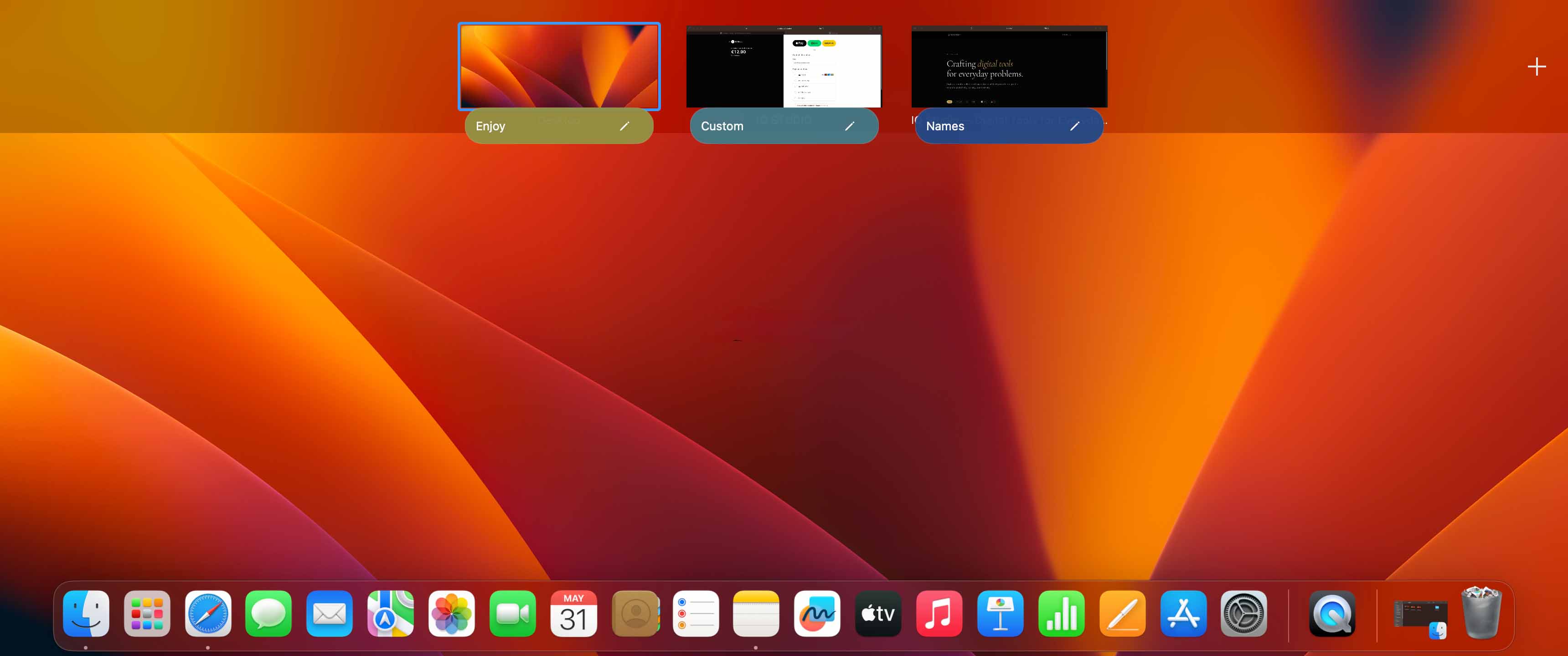
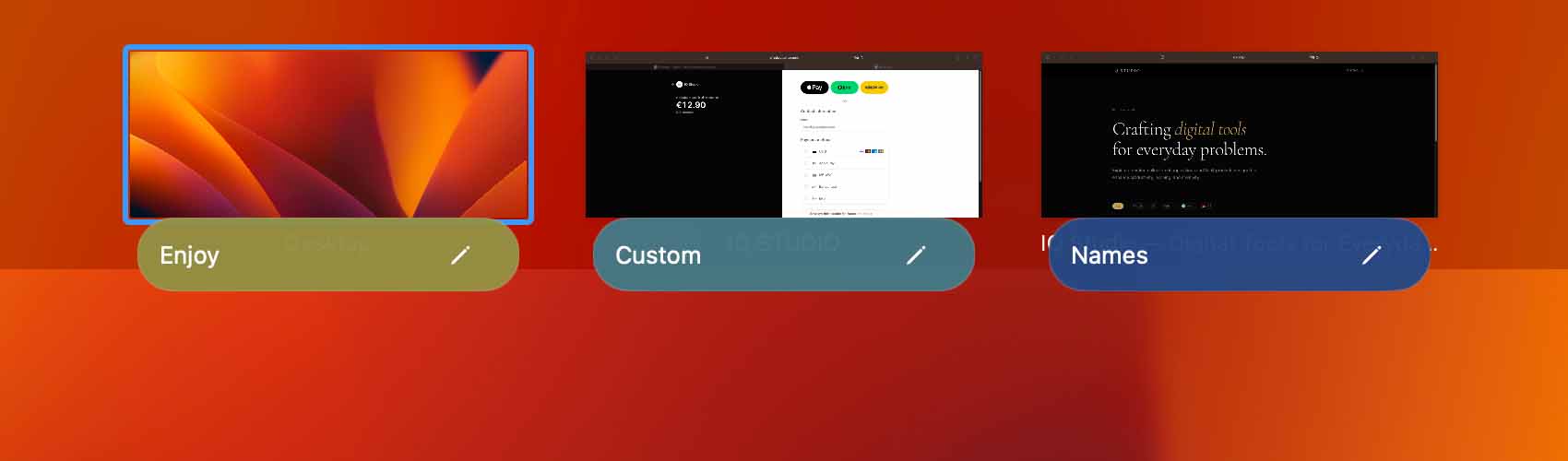
Name every desktop
Replace “Desktop 1, 2, 3…” with names that mean something — Email, Design, Docs, Slack.
Read your layout at a glance
Open Mission Control and your spaces become a table of contents instead of a guessing game.
Stays out of your way
Runs quietly in the menu bar and keeps your saved desktop names and colors available while you work.
Built for power users
Organize spaces by project, client, or context. Free for 3 desktops in total; a license names every desktop on every display.
Private & native
Desktop names and colors are stored locally. Paid license activation and verification contact the licensing service.
Safe to install
Notarized by Apple, which scans every release for malware before it ever reaches your Mac.
How it works
- Download & open — Grab the Apple-notarized DMG and drag Mission Control Rename into your Applications folder.
- Grant access once — A single macOS Accessibility permission lets the app read Mission Control and show your labels.
- Name your desktops — Click a space in Mission Control, type a name, and your workspace finally makes sense.
Free to start. Unlock everything once.
Name up to 3 desktops for free — no account and no time limit. One purchase unlocks larger layouts for the lifetime of the app license.
Free
- Name up to 3 desktops in total
- Full menu-bar app
- No account, no time limit
License
- Everything in Free
- Name every desktop on every display
- One-time purchase for this app license
- Free updates
Requirements
- platform
- macOS
- requirements
- macOS 14 Sonoma or later
- architecture
- Apple silicon & Intel
- category
- Productivity
Why isn't this on the App Store?
Mission Control Rename needs macOS Accessibility permission so it can interact with Mission Control and label your Spaces. The install video shows that permission step directly.
Desktop names and colors are stored locally on your Mac. The app does not require an account and does not track you.
Paid activation and license verification contact the licensing service with your license key and a machine identity so the purchase can be validated for this Mac.
07 — Latest release
Release notes
Version 1.2.4 ·
Restores familiar Mission Control behavior on macOS 27.
- Create a new desktop by dragging a window to either end of the desktop strip.
- Switch to an empty desktop by clicking it in Mission Control.
- Open apps from the Dock while Mission Control is open.
- Choose which fixes stay on in Settings.
These improvements address Mission Control features that stopped working as expected in macOS 27.
FAQ
Is Mission Control Rename free?
Yes. You can name up to 3 desktops completely free, with no account and no time limit. That is 3 in total, counted across all your displays together. A one-time license unlocks every desktop the app detects.
What happens when I add a 4th desktop?
The free version names your first 3 spaces in total, counting every display you have connected. When you label a 4th — on any display — the app prompts you to buy a one-time license that unlocks all of them.
Does it work with more than one display?
Yes. Mission Control Rename labels the desktops it detects on each connected display, and every display keeps its own names and colors. Display setups vary a lot, so try the free version with yours before you buy.
Does every display get its own menu bar label?
No. The app uses one menu bar item, so you see one label at a time — the active desktop on the display whose menu bar you are using. You can switch the label off in Settings and keep the plain icon instead.
Why isn't it on the Mac App Store?
Renaming Mission Control spaces needs deeper system access than Apple allows for sandboxed App Store apps. Downloading directly gives you the full feature set without those limitations.
Is it safe to download?
Yes. Customer DMGs are notarized by Apple before publication. Desktop names and colors are stored locally, and paid license activation or verification contacts the licensing service with your license key and a machine identity.
Do the names stick around?
Mission Control Rename remembers your desktop labels and colors locally, per display, and re-applies them as Mission Control changes. macOS does not provide a perfect permanent desktop identity, so major layout changes can still require correction.